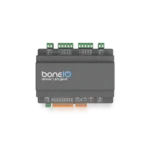
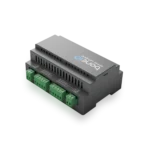
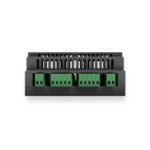
Description
Control your LED lighting and home automation just the way you like
Secure, local control with seamless Home Assistant integration

Activate the ‘Movie Night’ scene with a single tap on your phone, and the Dimmer LED gen2 will automatically adjust the room’s lighting and temperature for you.
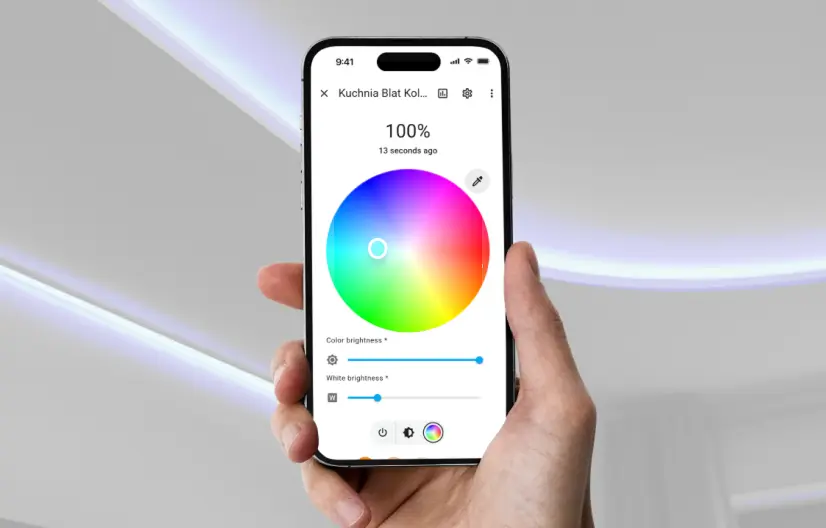
- Color/Hue,
- Brightness,
- Lighting Scenes,
Full control, your way. Everything works locally, reliably, and cloud-free
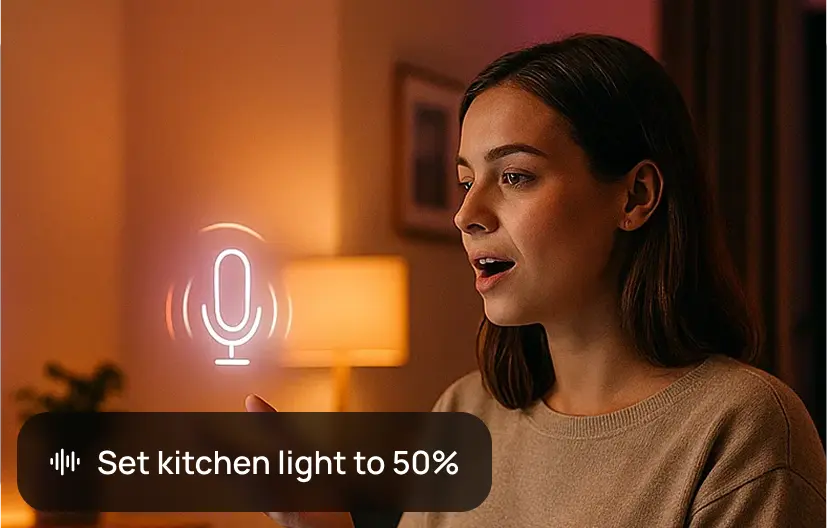
boneIO Dimmer LED gen2 works seamlessly with the Home Assistant Voice feature. Say, ‘Kitchen light to 50%’ and the LED lighting will adjust immediately.
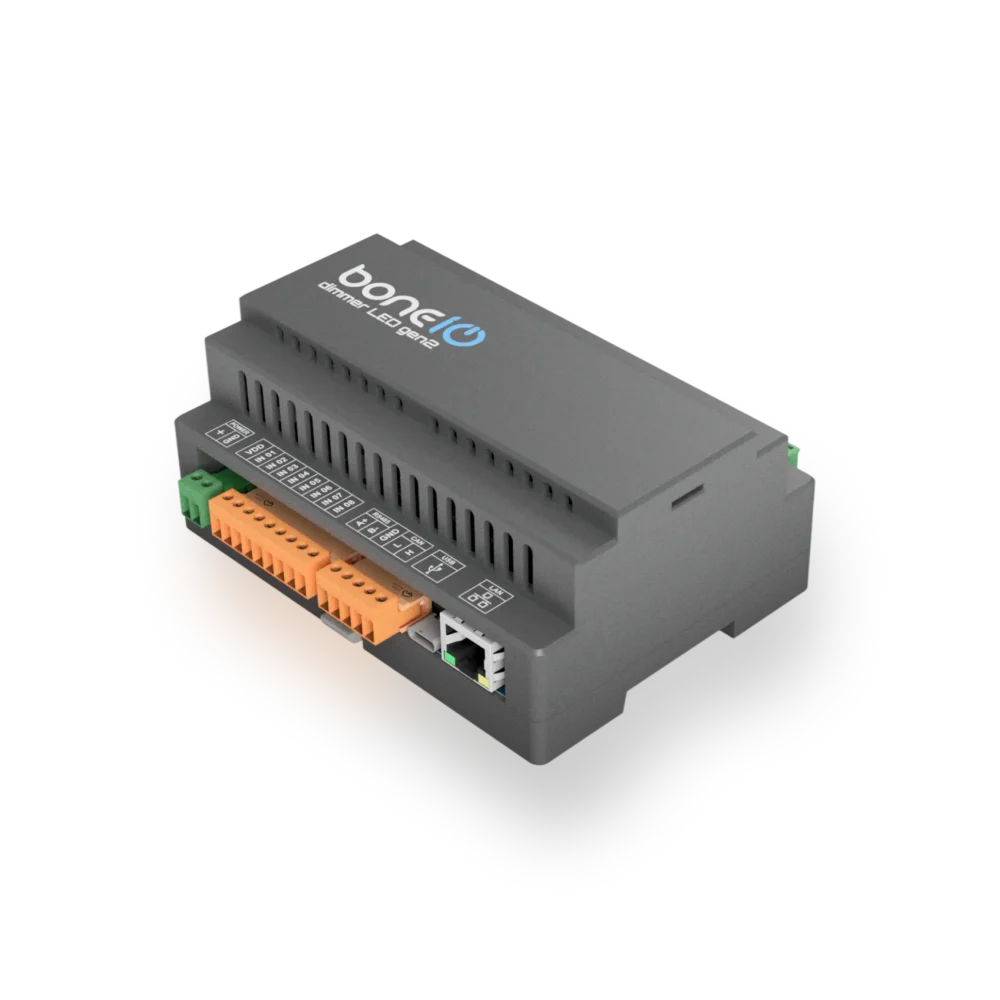
Dimmer LED gen2 is more than a simple LED controller.
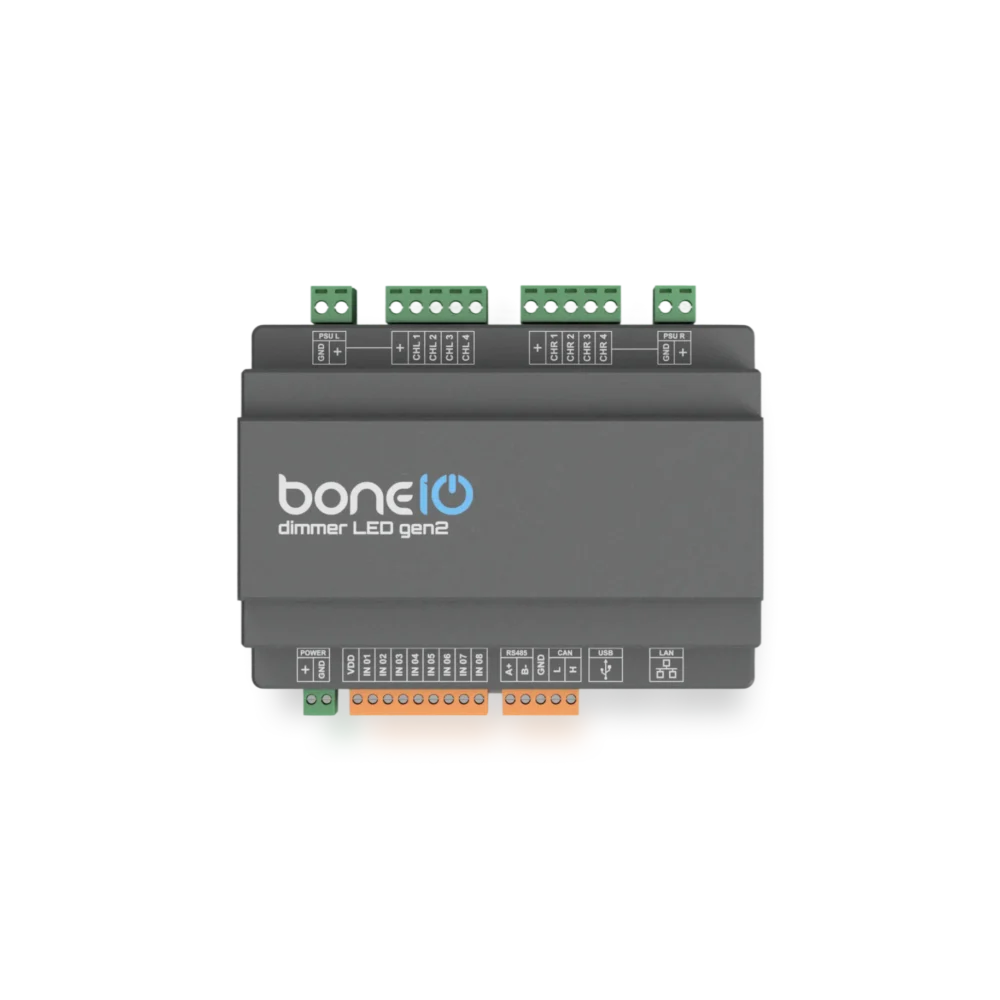
Featuring the new ESP32-S3 processor and RS485/CAN buses, the device now offers expanded capabilities for controlling external peripherals.

Create any type of automation.
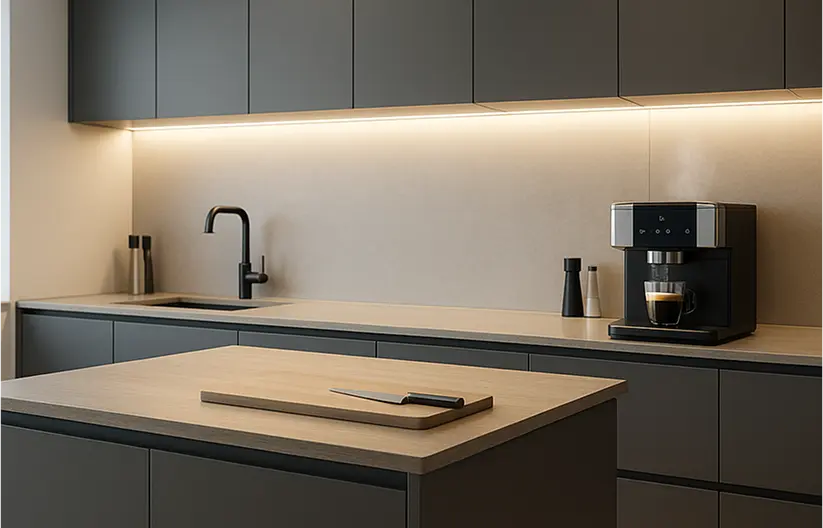
In the kitchen
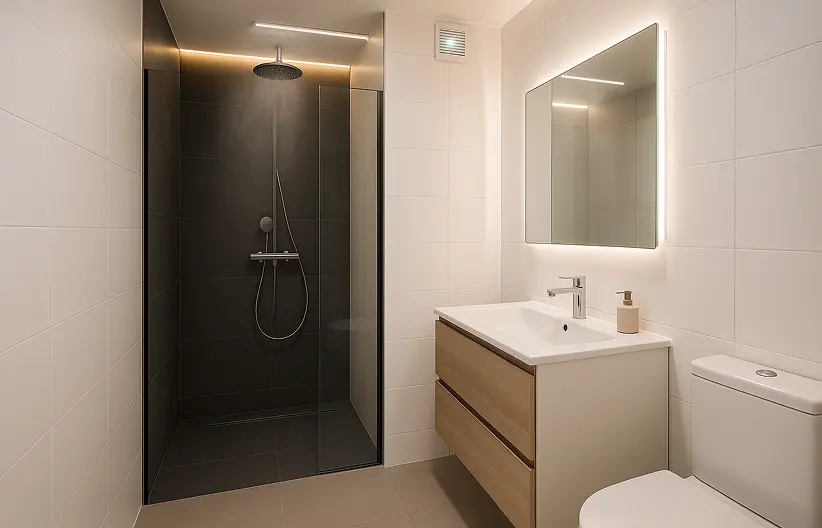
In the bathroom
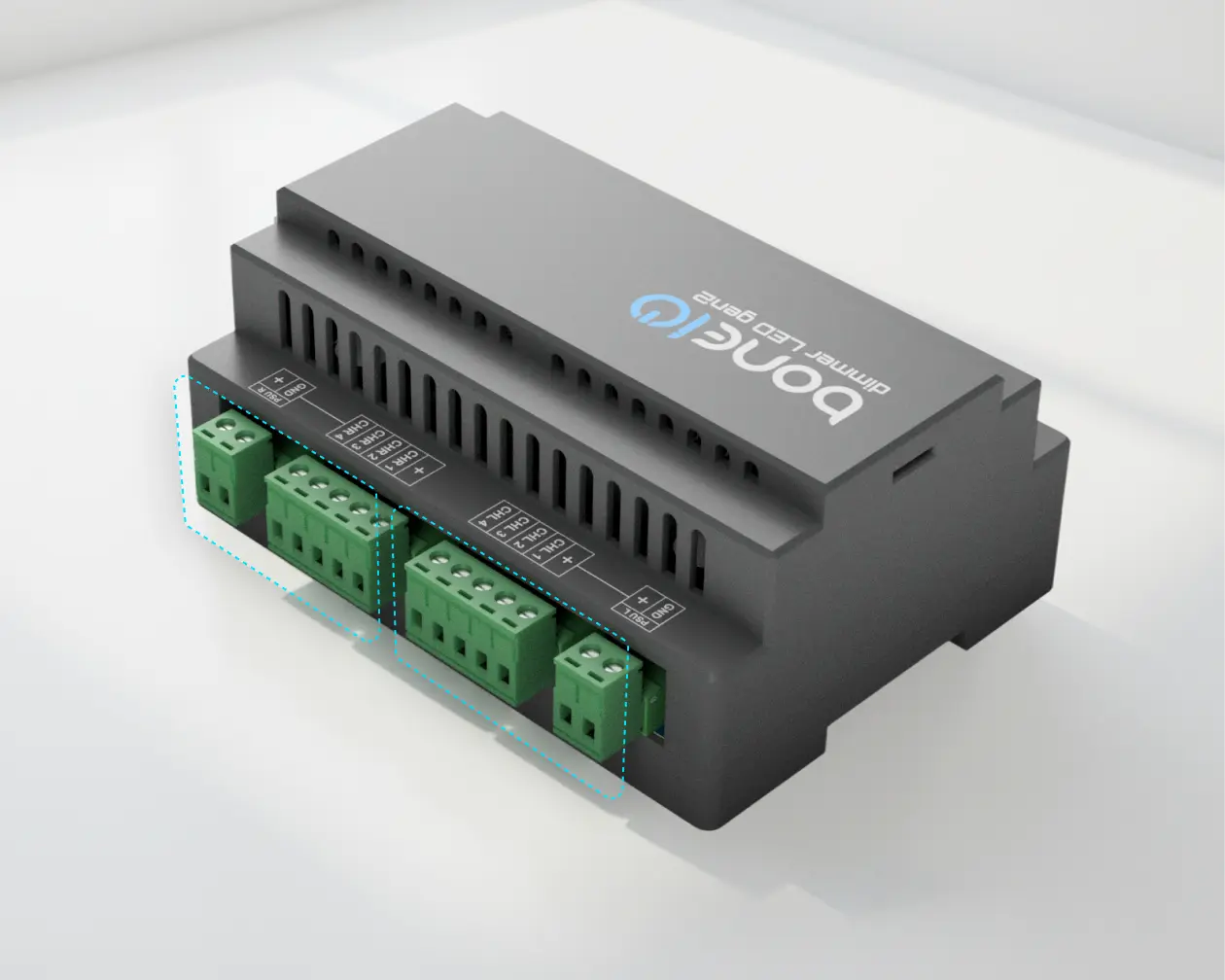
2
independent
sections
200W
Maximum load on one section
50W
Maximum load on one channel
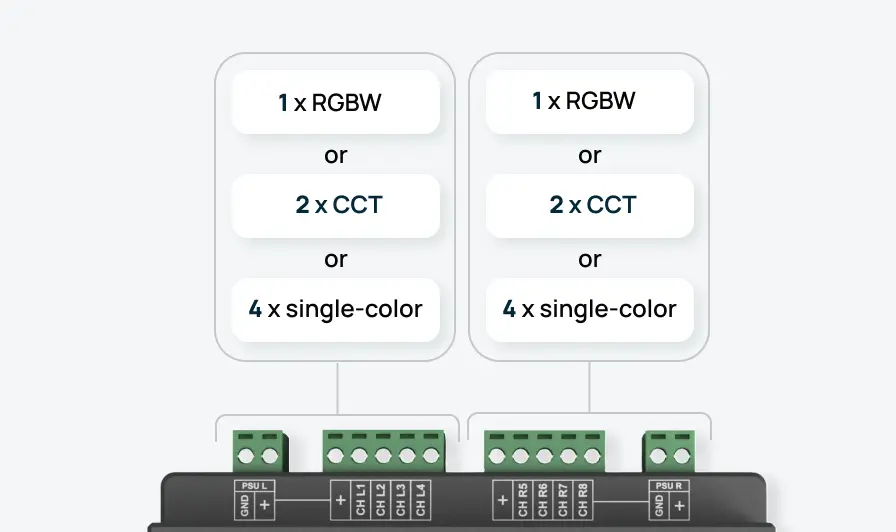
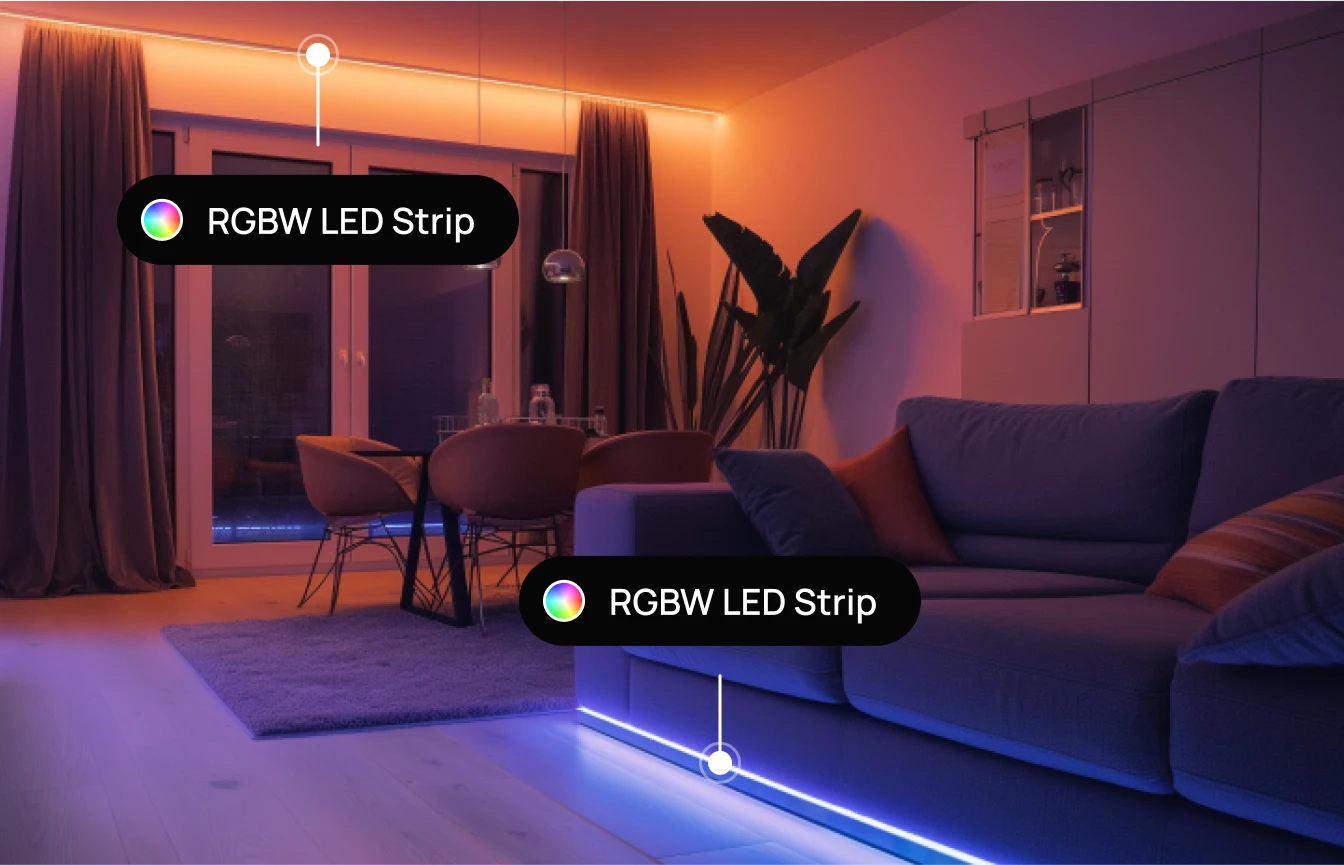
- 1 RGBW LED strip and 4 single-color LED strips,
- 8 single-color LED strips,
- 2 RGBW LED strips,
- 2 CCT LED strips and 4 single-color LED strips,
- 2 CCT LED strips and 1 RGBW LED strip.
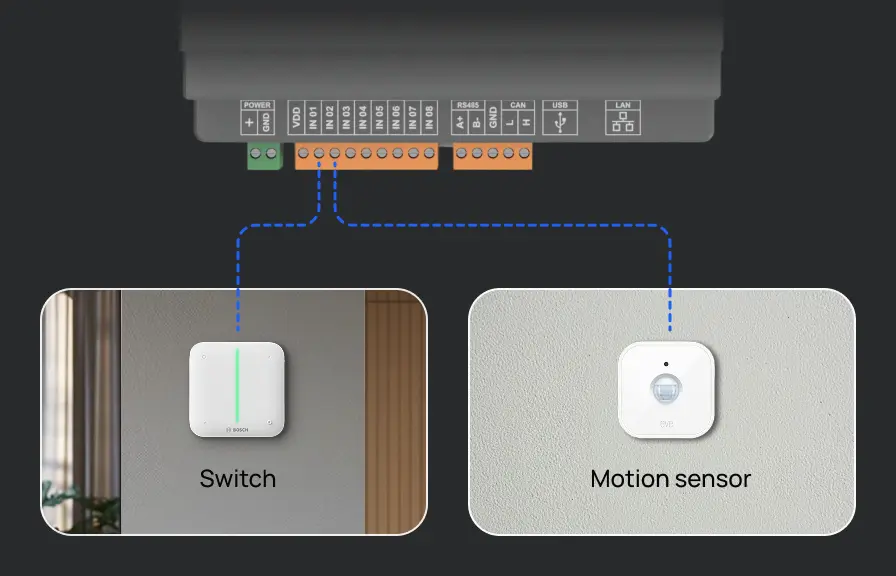
They can be connected to switches or motion sensors to control individual LED channels or customized in any way in Home Assistant.
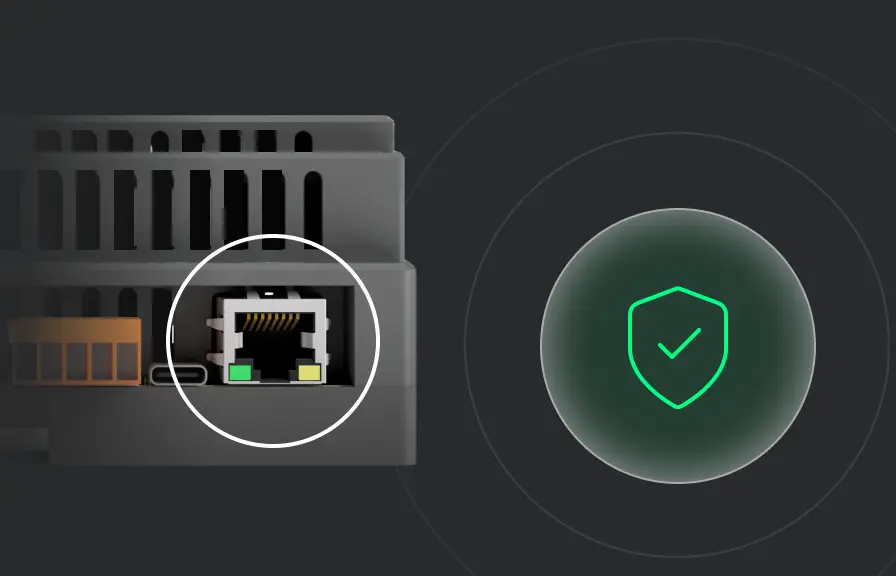
Additionally, thanks to the Ethernet interface, our product guarantees stability and reliability of operation.
Engineered to last.
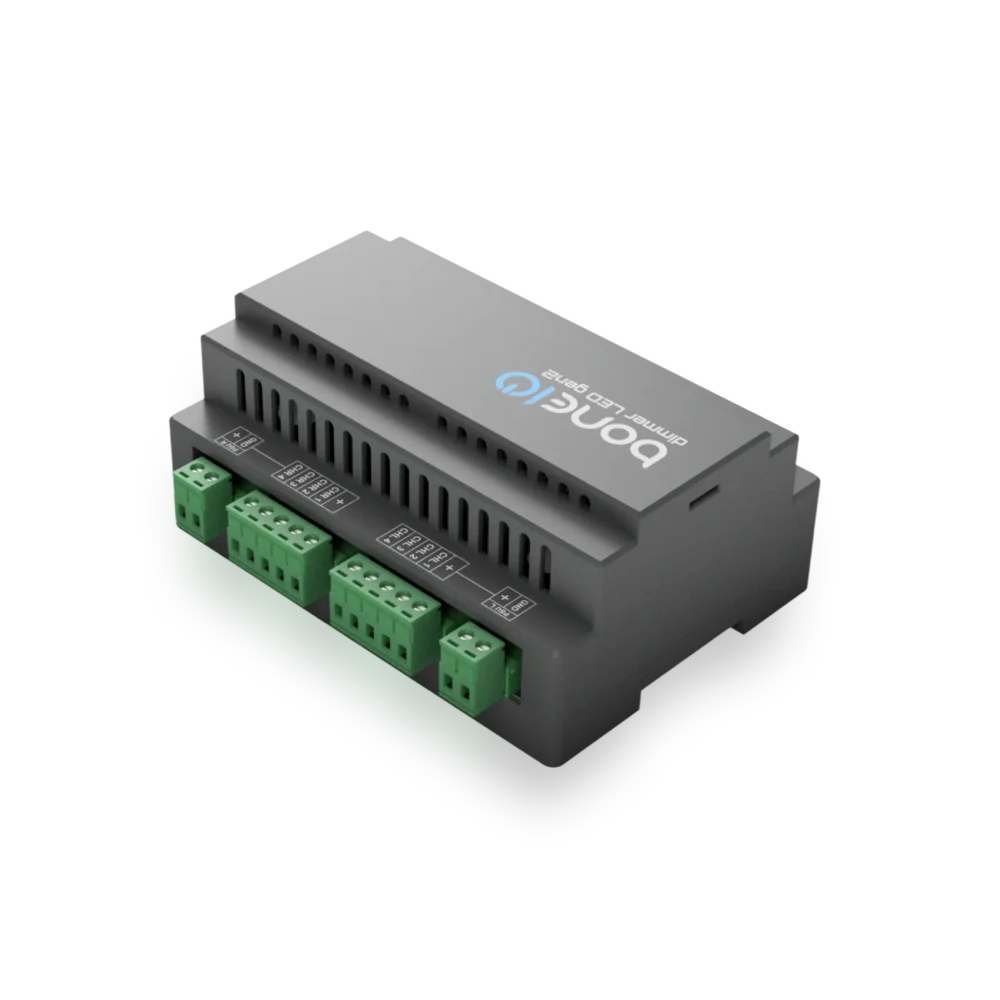
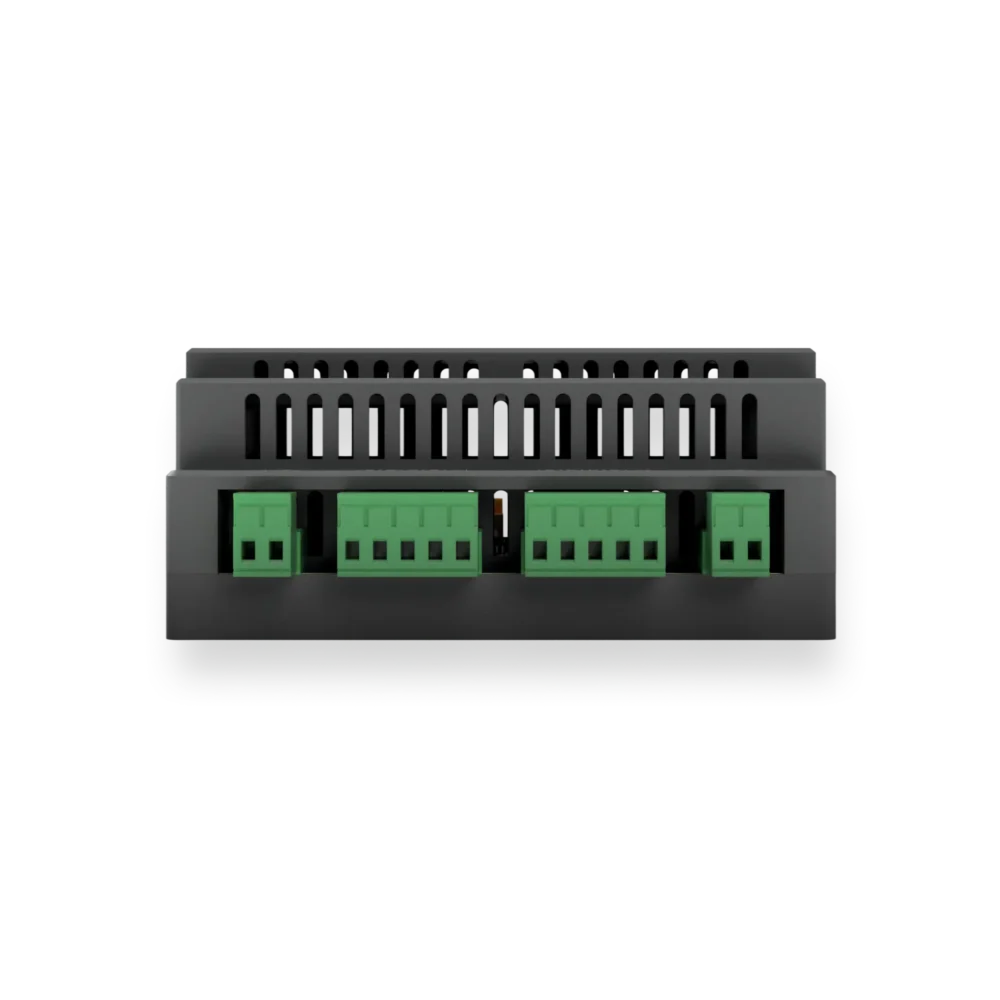
A well-ventilated passive enclosure, along with sensors and safety features, ensures the device’s stable operation for many years.


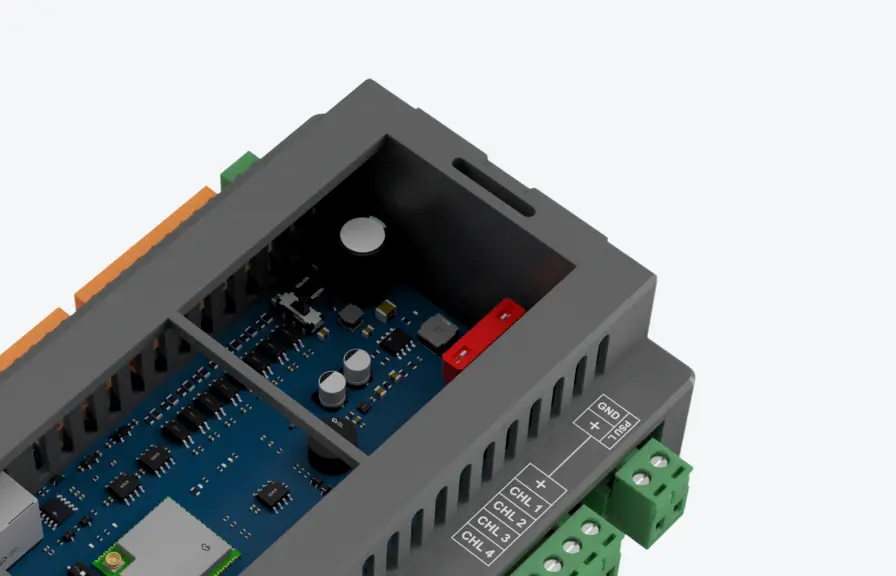
If one section is overloaded or short-circuited, only that circuit will be cut off, and the other section and the rest of the device will continue to operate.
Simple installation and ready-to-use software
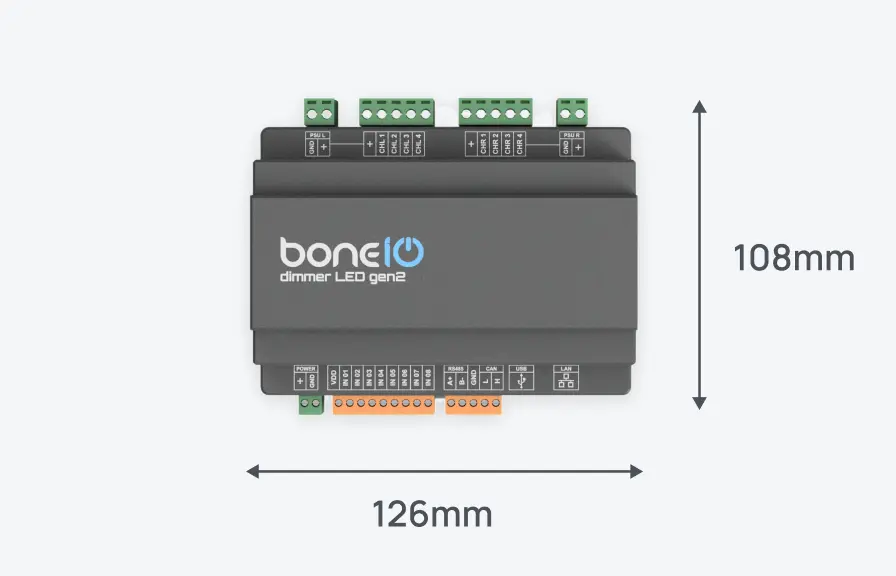
You can mount the controller on a DIN rail in a few minutes. Connect the power supply, LED strips, and you’re done. The device is immediately ready for integration with Home Assistant.
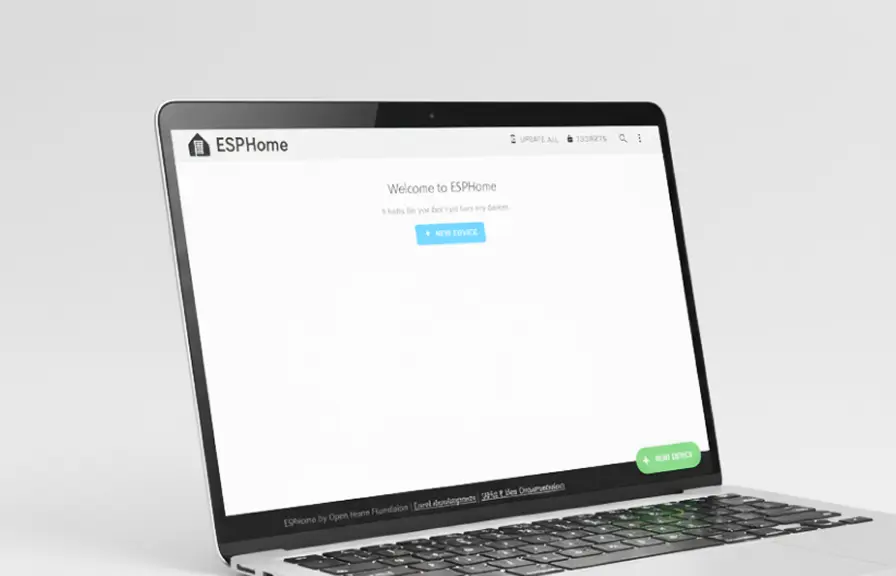
Dimmer LED gen2 comes with ESPHome pre-installed, so it appears in Home Assistant automatically after connecting to the network. You don’t need to program anything – you have immediate access to everything in the app.
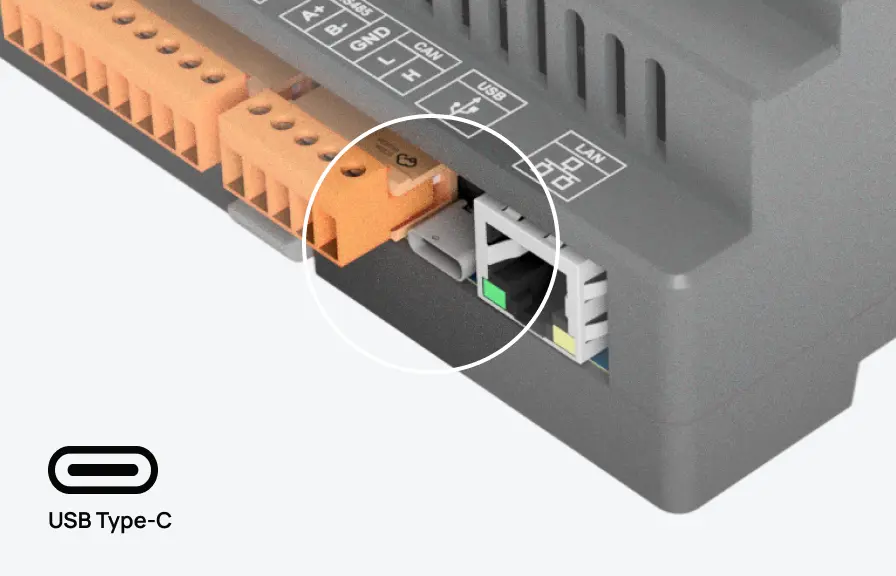
You can update the Dimmer’s software with a single click through the network (OTA). Alternatively, you can use the USB-C port to quickly upload the firmware from your computer.

You’re not alone – our community is growing rapidly and is always happy to support new users.